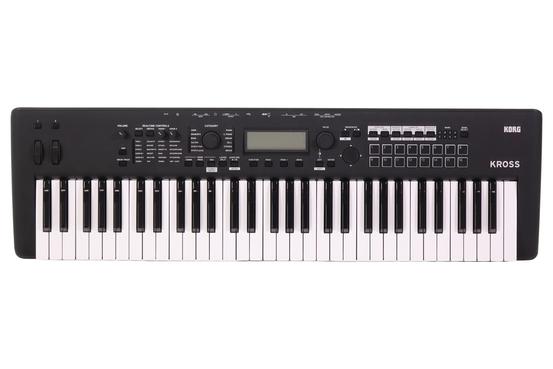
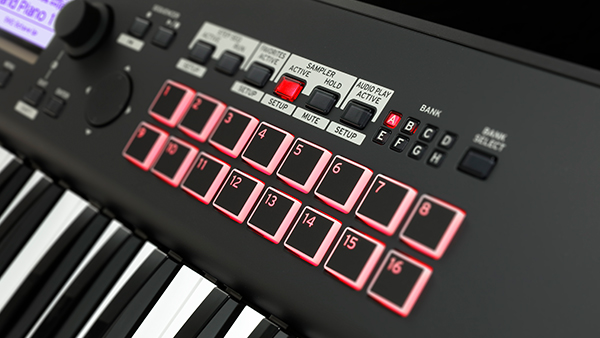
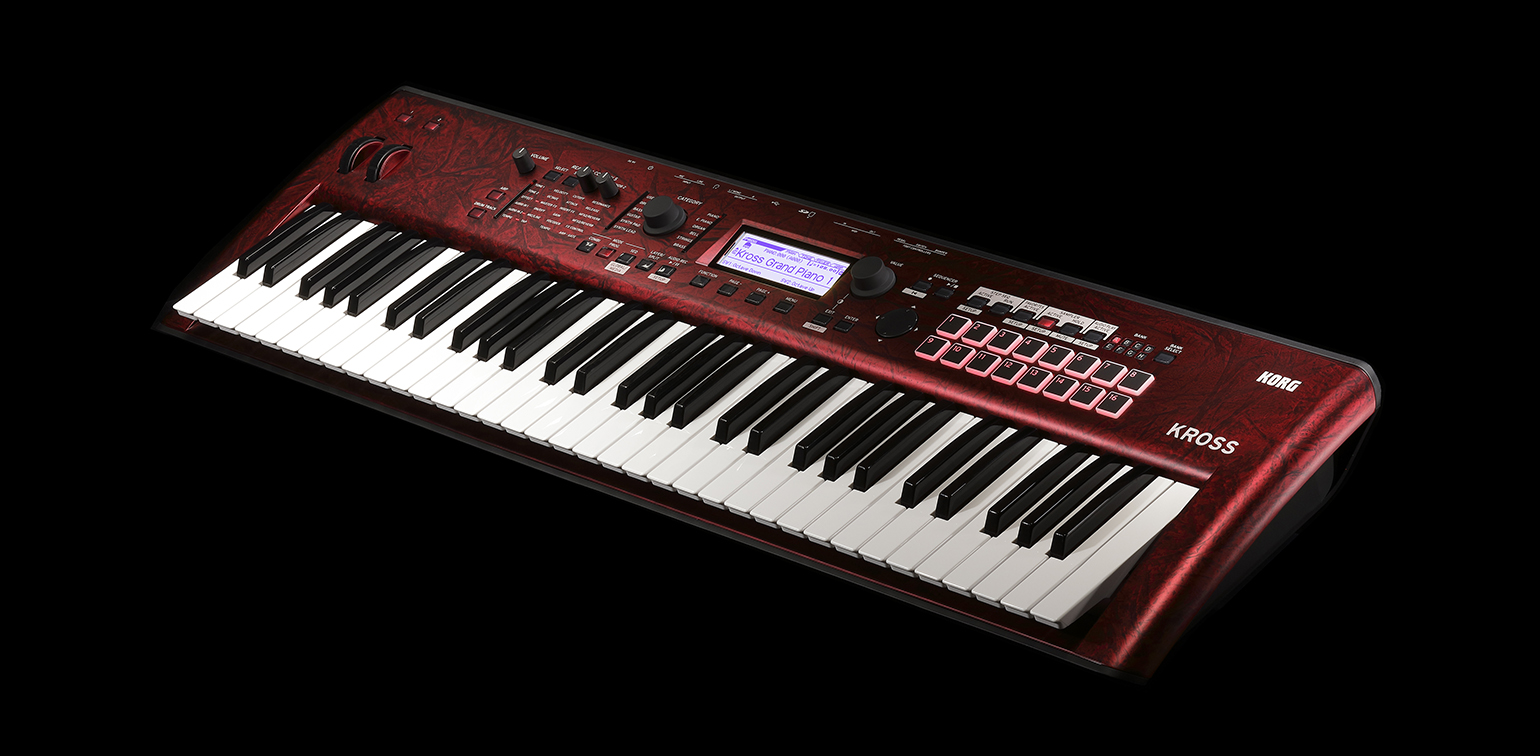
It's easy to get around on KROSS 2, thanks to a user-friendly layout. The panel of the KROSS 2 has been further improved since the first KROSS, ensuring that anyone can quickly access desired sounds and functions from the enormous range of choices.
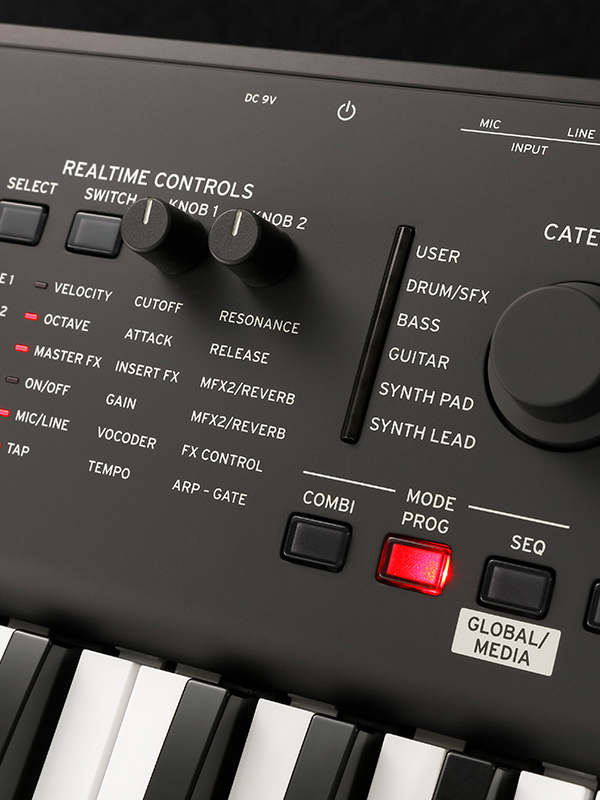
The new realtime control section lets you directly control KROSS 2’s main parameters without having to navigate through a menu hierarchy. In addition to realtime control of the sounds and effects, and simple editing of programs, you can use the knobs to easily control the vocoder settings or adjust the tempo of the arpeggiator and sequencer.
The favorite function lets you register frequently-used programs and combinations and recall them at a single touch, and has even been expanded to allow 128 favorite locations, twice the number of the first generation of KROSS. This function is ideal for live players that need quick access to a specialized set of sounds on stage.
The layer/split function, which lets you layer two sounds or assign separate sounds to the left and right regions of the keyboard, is now easier to set up, thanks to a dedicated quick layer/split button.
A category dial is provided, allowing you to immediately find the sounds you're looking for amid the vast range of choices. Just choose the general type of sound, such as piano or organ, and then make your selection quickly and efficiently.